
Not a programming course
- Learning a programming language
- Algorithms and data structures
- Computer science theory you will never use
Want to learn vibe coding? Don't want to make mistakes?
No programming languages, no algorithms — just the engineering that keeps AI-built apps from falling apart.
 Watch the introWelcome to Vibe Code LabVideo coming soon
Curriculum
Watch in order or jump to whatever is causing you trouble right now. Lessons marked with a lock are free with an account.
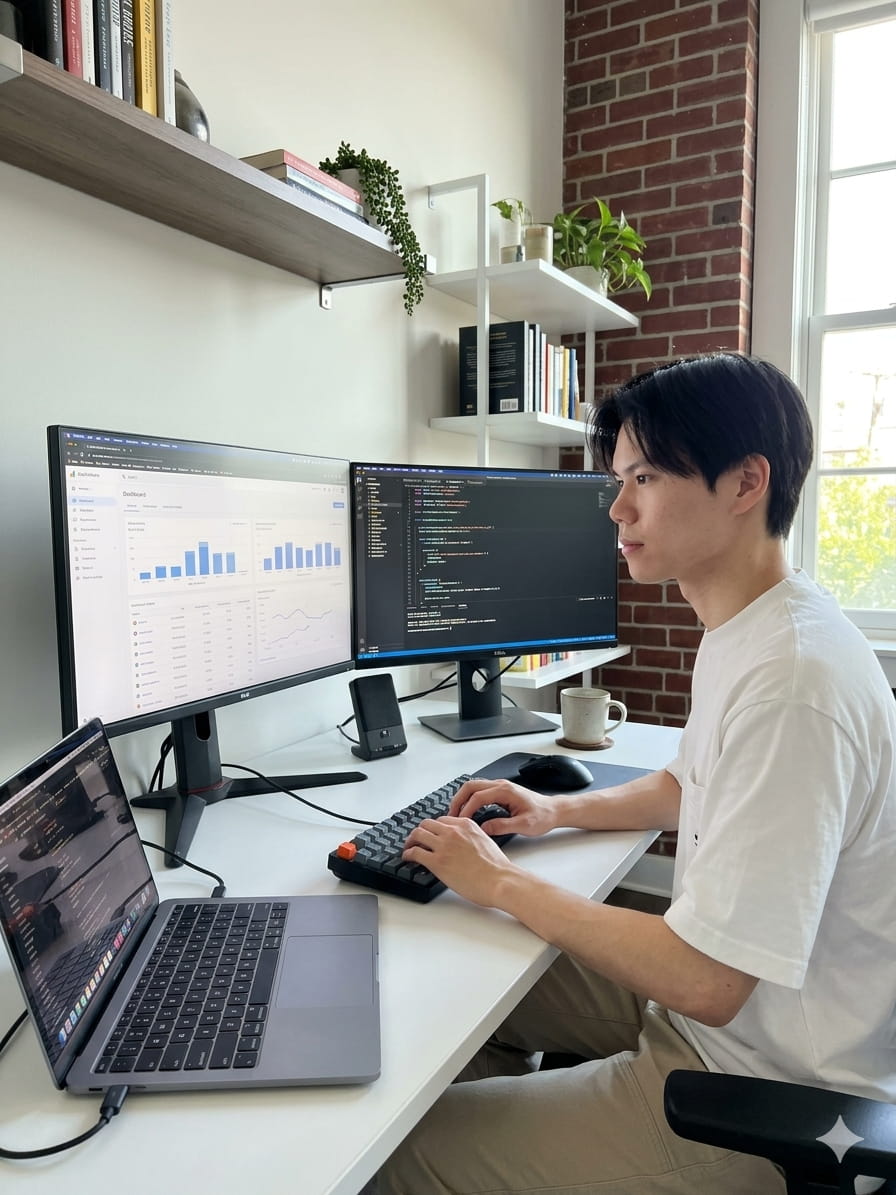
Your instructor
A developer with over 8 years of experience. I went through the entire computer science pipeline and worked at several Fortune 500 companies, including hedge funds. Now I build apps, and teach people how to build theirs with AI.
More about meTestimonials
Building with AI was fast, but I had no way to judge whether what it gave me was any good. Byron brought the engineering knowledge to give me confidence that I wasn't building something that would explode in 2 weeks.
I had never written code, so when the AI gave me something I had no way to tell whether it was any good. Byron would look at it and say there was a better way, and explain why. He helped me build my app, walked me through maintaining it, deployed it — and if any hiccups occur, he is a great guide.
Fair question
The course is free because it is also an advertisement for my coaching and project development services.
The other part: the first 8 lessons are open to everyone, and the rest ask you to create a free account. If you tick the box, I will also email you new lessons and, now and then, something about coaching.
That is the whole catch. Every lesson is free, and you never have to buy anything to watch all the lessons.
Want to go faster?
1:1 coaching
I'll pair with you on any project. I will give insight on building an app that is robust and can serve real users at scale. It can be anything. Your first session is FREE.
See coaching service — US$30 per 15 minProject development
Rather skip the building? Bring the idea and we design, build and launch it, for a fixed price we can negotiate.
Fixed quote per project
See project development details